
Here to choose photos?See SnapDrive for clients

A photo selection workflow for photographers

Focus on taking photos.
SnapDrive handles the rest.

From delivery to client selection and retouched photos.
Bring the process that bounced between chat and file numbers into one album.

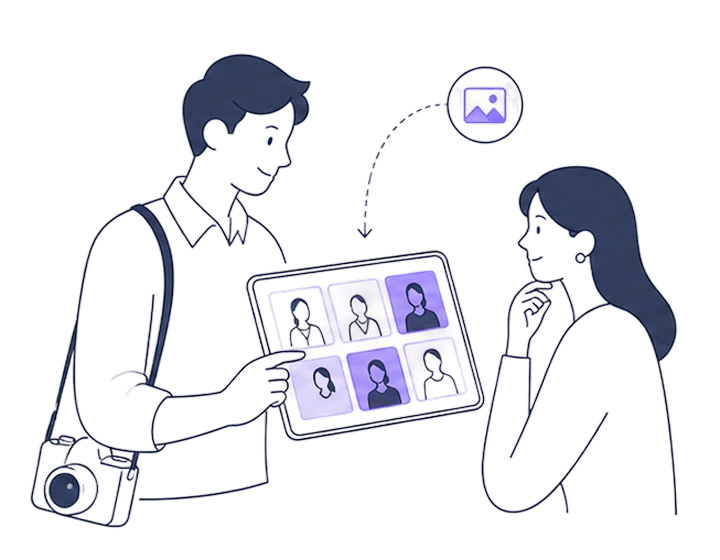
A photographer and client viewing an album together
Email notificationA selection request has arrived.
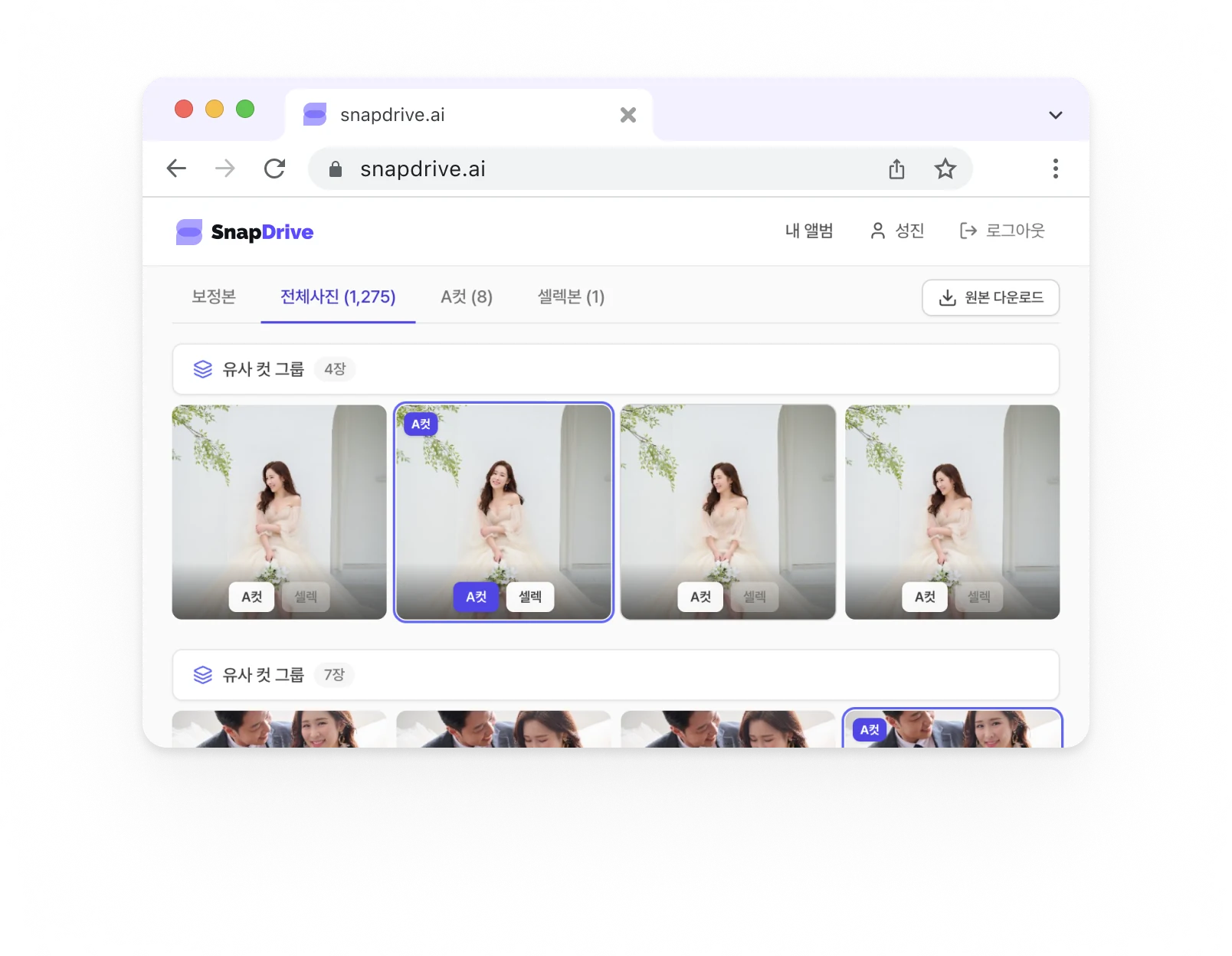
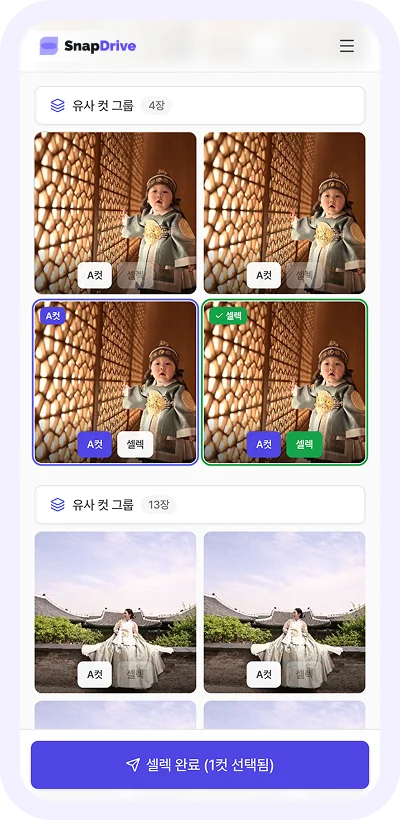
SnapDrive photo selection in a browserSnapDrive photo selection on mobile
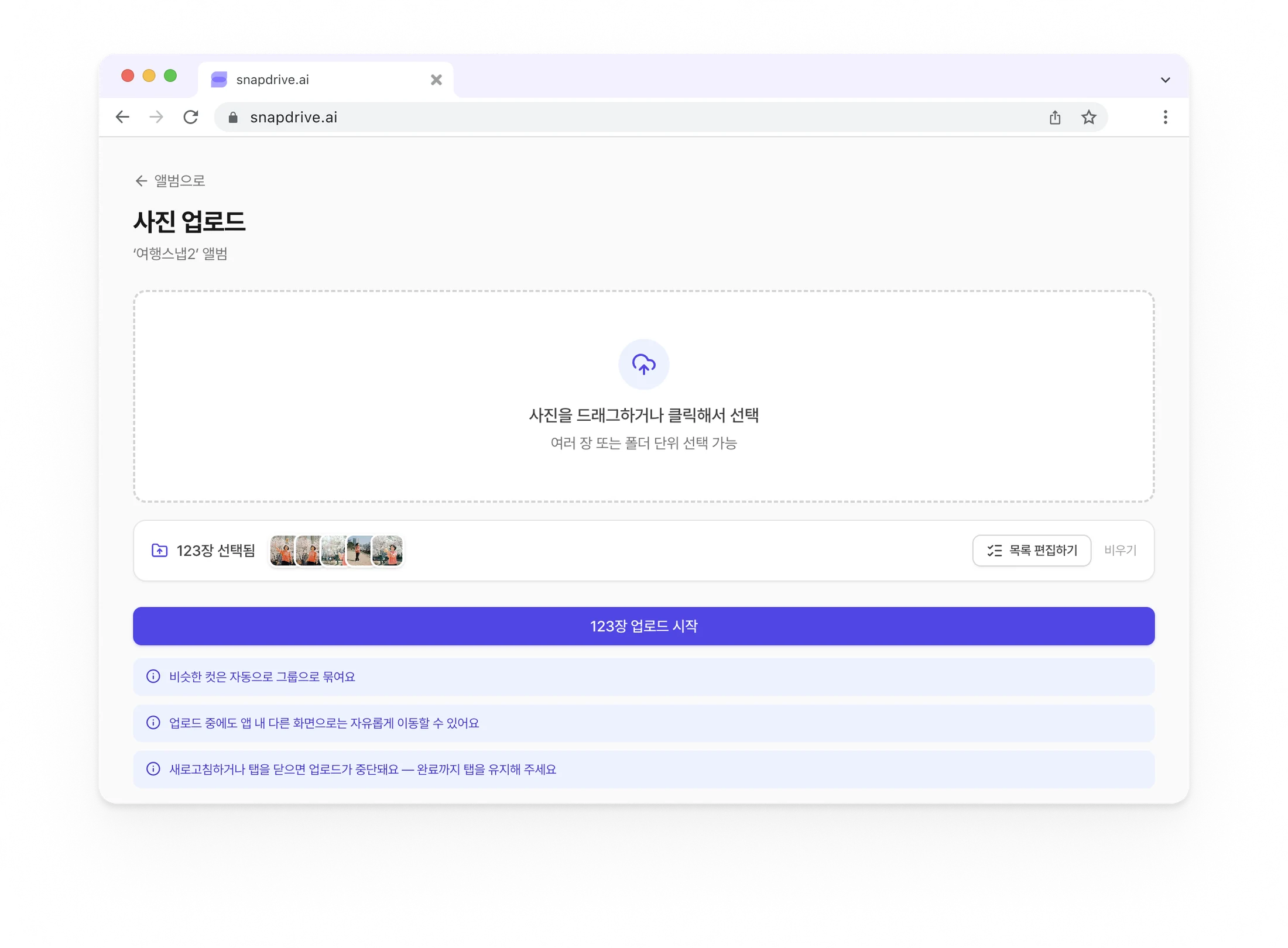
  • Smart album uploads
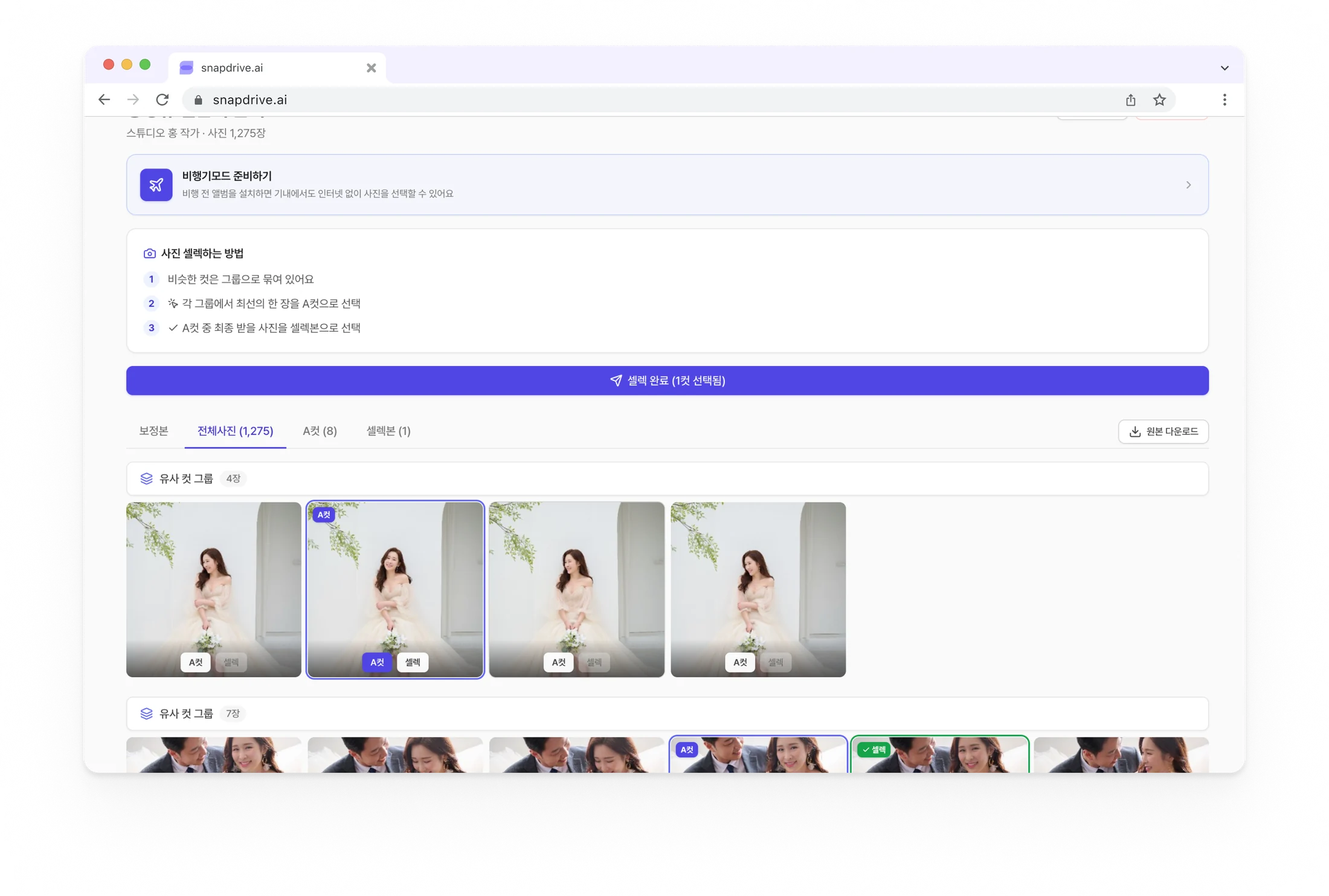
  • Automatic grouping of similar shots
  • Simple A-cut and final selection
  • Offline selection
  • Automatic email notifications
  • Right in your phone browser
  • Gallery view supported

2,000 photos?
Eight minutes is enough.

Deliver a whole shoot far faster than a typical cloud upload.

Measured in an internal test with the same files and network. Real speed varies with file size and network conditions.
A typical cloud upload2 h 16 min
SnapDrive8 minabout 17× faster

Photo delivery should not be
more complicated than photography.

  1. 01Upload to Drive
  2. 02Send a link in chat
  3. 03Receive file numbers
  4. 04Check for omissions
  5. 05Resend retouched photos
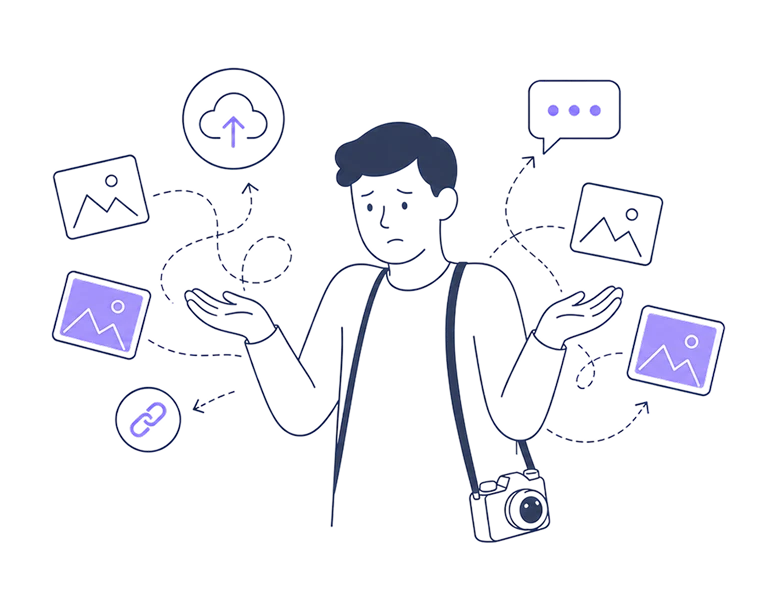
A photographer overwhelmed by delivery methods

Upload, send,
and select. Done.

Reduce repetitive work and make the client experience smoother.

Photographer
  1. 01Upload your photos

    Upload an entire shoot folder at once.
    Add the next album while an upload is in progress, and it continues in order.
    Duplicate files are automatically excluded.

  2. 02Send the link

    An email is automatically sent to your client.

  3. 03Your client selects

    Their selected photos are organized right away.

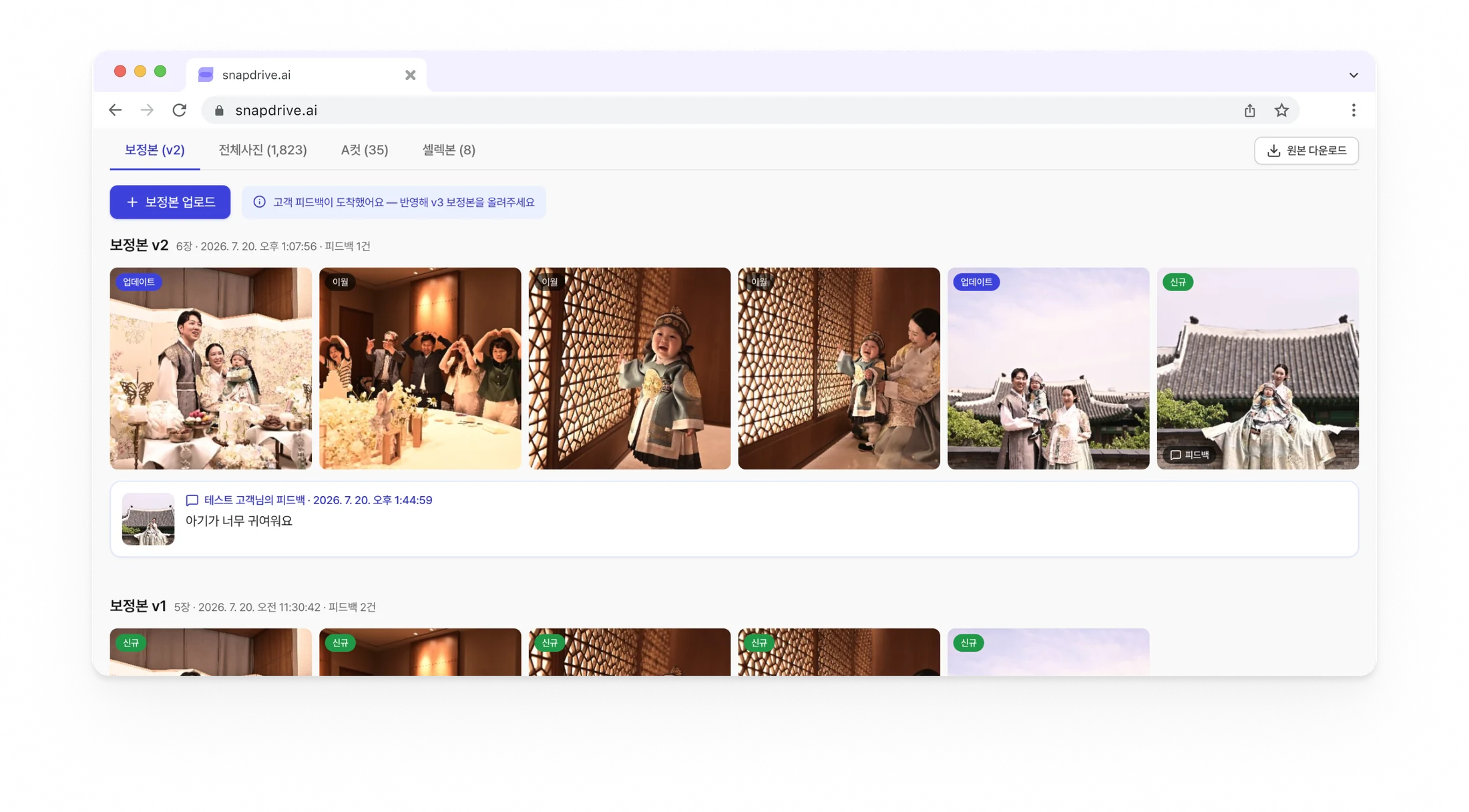
  4. 04Deliver retouched photos

    Deliver the finished retouched photos from the same album.

Client
  1. 01Automatic grouping of similar shots

    Compare similar scenes easily, one bundle at a time.

  2. 02Pick the A-cut

    Choose the single best photo in each group.

  3. 03Choose final selections

    Pick only the photos to retouch from the A-cuts.

Comparing similar shots and choosing A-cuts and final selectionsUploading a folder and multiple photos at once

Before you start,
your questions answered.

Contact us anytime with more questions.

  1. 01

    Does the client need to sign up?

    Yes. Clients who receive a selection link need to choose “Client” on the sign-up screen. People who create and send albums sign up as “Photographers,” so the two roles are provided separately.

  2. 02

    How can I see the photos my client selected?

    In the photographer album, you can check the number of selected photos and the progress status. Once selection is complete, the results are organized in one place.

  3. 03

    Can I deliver retouched photos and receive feedback?

    Yes. Upload retouched photos by version after selection is complete, then review the feedback your client left on each photo and reflect it in the next version.

  4. 04

    Is it free?

    We are in a beta period to validate the product experience, so you can start for free. We will give plenty of notice if the policy changes.

  5. 05

    Are there storage or time limits?

    We are in a beta period to validate the product experience, so there are no limits at all. Use it freely without worrying about expiry.

  6. 06

    Do I need to install an app or special software?

    It opens directly in desktop and mobile browsers. No download required.

From your next shoot,
selection gets simpler.

Upload photos and a link is automatically sent to your client.
Creating your first album takes only a few minutes.

Create your first album freeFree right now. No card required. No time or storage limits.